
← Using the Portal
Testing the Portal
Visit the portal yourself
This to make sure everything is displaying as expected.
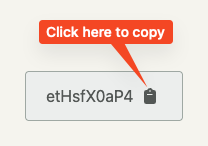
Copy the Access Code
Click the Visit Portal button
This will open the portal website in another browser tab where you should get the login page.
Paste the code into the ‘Code*’ field
In the password field enter the deceased’s Surname
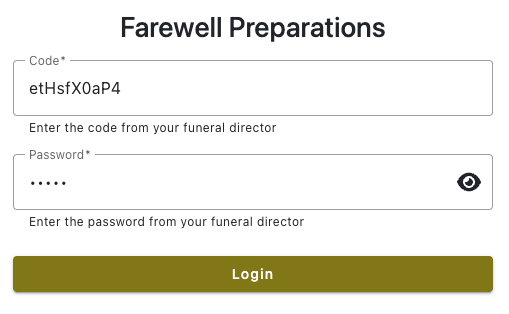
Click ‘Login’
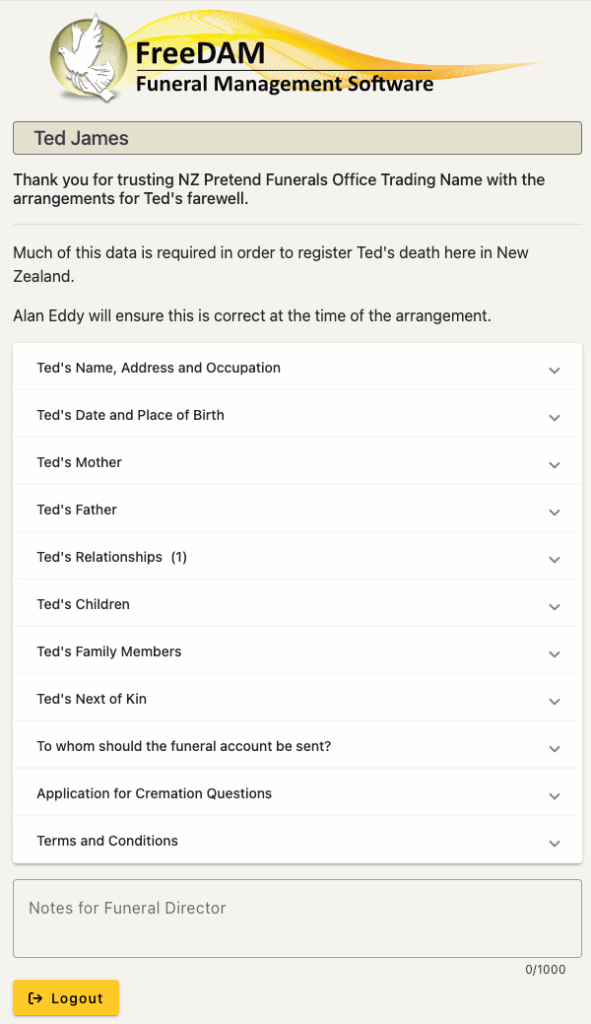
You should now see – what the family will see.
Be Careful!
You can open each section and view the help.
(Make sure the text is not too large etc etc)
But do NOT enter any of the fields as the family side of the portal autosaves and these saves will immediately flow back to FreeDAM.
Logout.