← Progress Boards – An Overview
Using the Progress boards
Progress boards are super easy to use.
Users are able to…
- Just view progress boards
- Move cards on progress boards
- Add and remove, cards on progress boards
The ability to do this set in the roles.
Anyone who wishes to use a progress board must be given access to be able to do this. See Turning-on-a-new-feature/
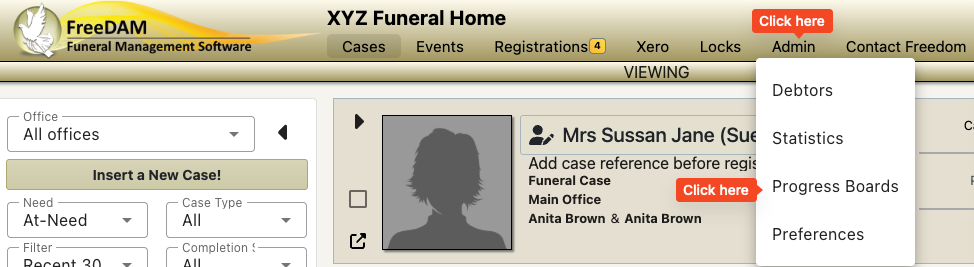
Where to find the Progress Boards
Because progress boards display multiple cases the access to these are through a top menu item.

or if your screen is not wide enough the menu item will be here…
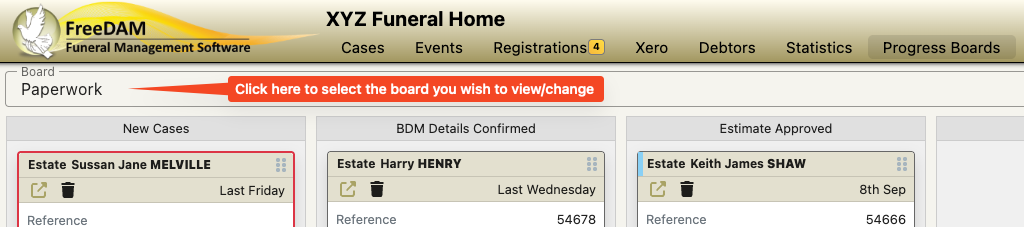
If you have multiple boards – choose the the correct one
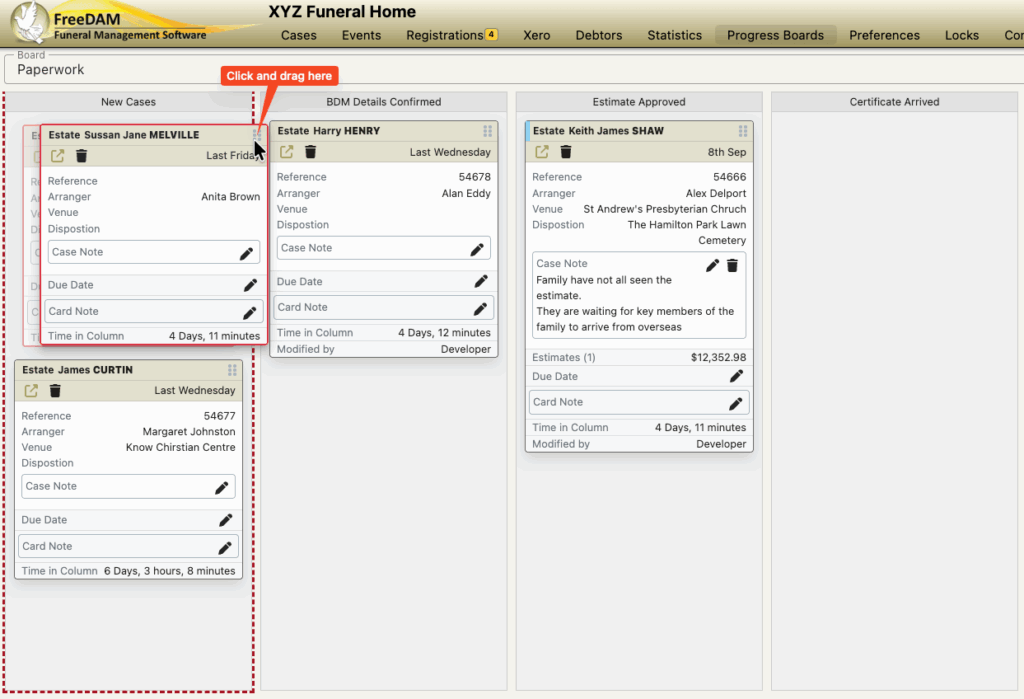
Moving Cards on a board to a new column
Click and hold the move card icon and drag the card to a new column.
You are able to drag and drop cards with in columns.
i.e. reorder them top to bottom
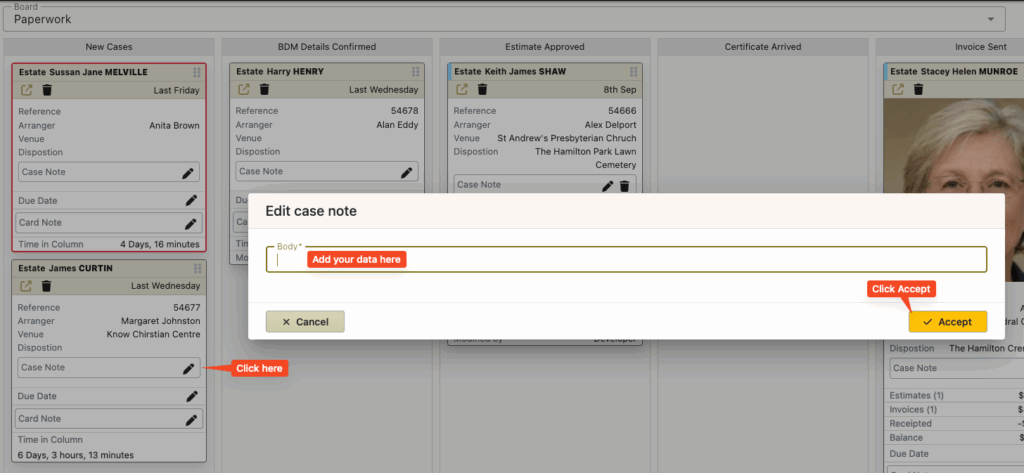
Changing Card data
Click the little pencil icon to the right of the data on the card to add/edit the data.
Deleting a Card from a board
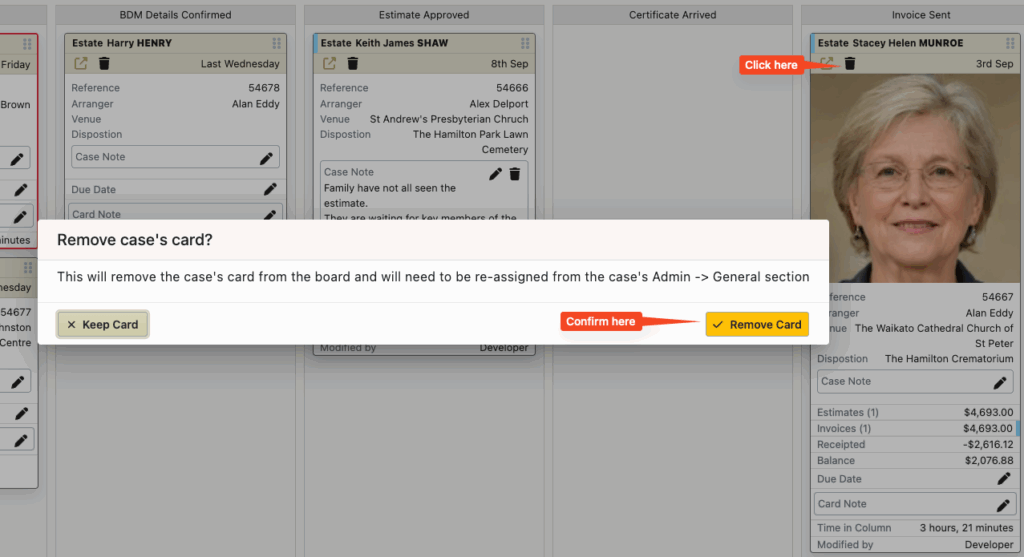
Click the little trash icon on the card and confirm.