
Adjusting Staff Member’s Details
Preferences/Staff Members is where, for any staff member, you are able to…
- Change a username
- Reset a password
- Add or remove roles
- Disable a login
- Set a default office and/or restrict that person to just one office
- Set contact details for a staff member
- Create an email signature
- Specify if the staff member is a funeral Director/embalmer or support staff
- Enter an Embalmers registration number and qualification
- Make any notes on a staff member
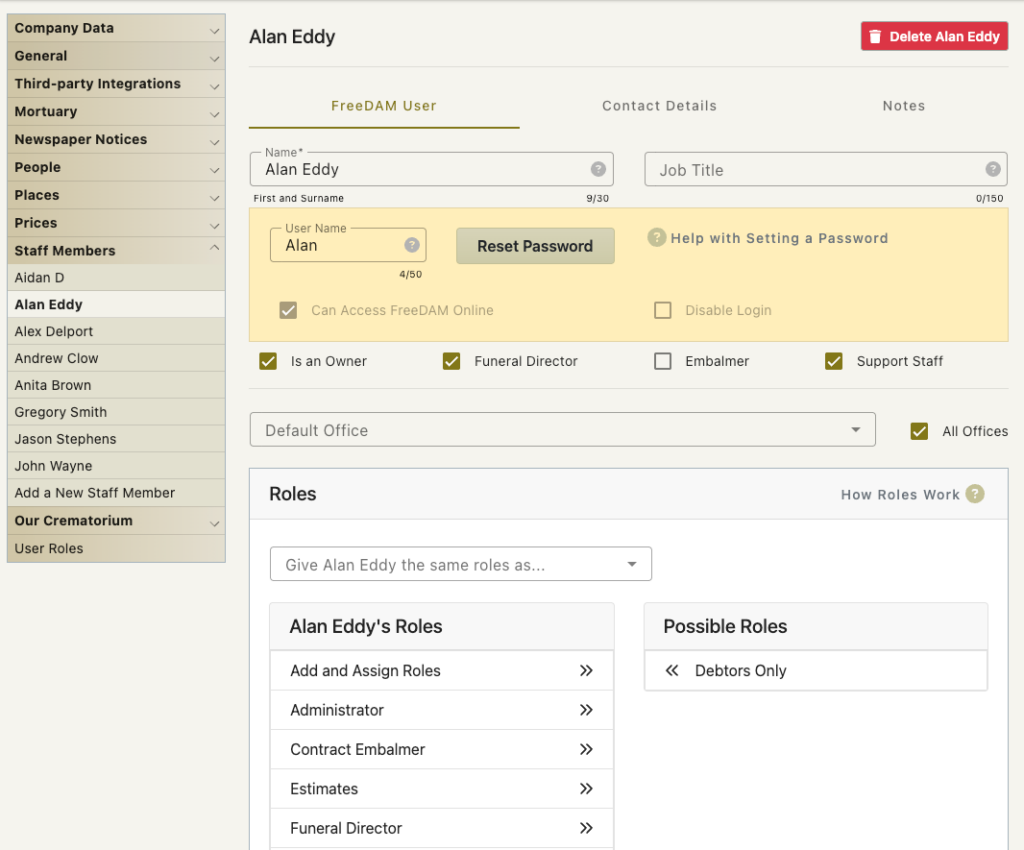
Username
This is what a staff member must enter as a username when logging in to FreeDAM.
It is often set to be the first name of the staff member.
This must be unique – so if you have two Johns working in the company then appending the first letter of their surname to their username.
Staff members cannot change their own unsername.
Disabling a login for a staff member
You may wish to disable a login for a staff member.
(They might be on leave for a period of time)
You can do this by going to preferences/staff members, clicking on the staff member required, and just ticking the ‘Disable Login’ Check box and saving the changes.
This will stop them from logging in to FreeDAM but will not change their username or password. Therefor allowing you to grant them access again in the future.
Setting a default Office
Each staff member is able to have a default office and access to all the offices or not.
It may be that a staff member in Wellington should only see Wellington cases.
In this case select from the drop down list the Wellington Office and ensure ‘All Offices’ is Unticked.
If ‘All Offices’ is ticked then the staff member will have the ability to see any case in the software no matter which office it belongs to.
Staff Contact Details
You are able to add in these but the address is not used in the software.
The mobile phone number may be used on some reports if requied
The Email address is used when email is sent from FreeDAM.
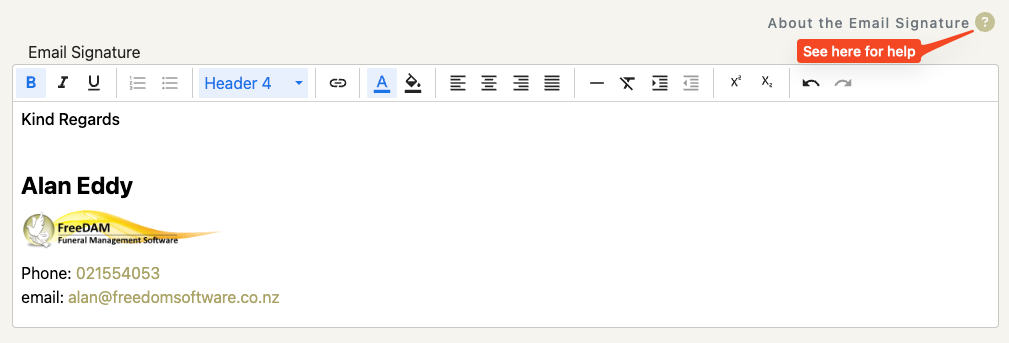
Email Signature
When sending email from FreeDAM this is able to be added to the bottom of any email.
This can contain various html text and colours and also images.
NOTE: Email being sent from FreeDAM must not exceed a certain size. Images in the signature add to this size. As email from FreeDAM may contain large multiple page PDF’s this is why images in the signature are restricted to be very small.
See the about the email Signature help pop up on this page.
funeral Director/embalmer or support staff
By ticking these boxes…
Funeral Director and embalmer will show in the drop down lists when selecting staff members within the freeDAM interface
Support Staff allows a user to have a login – but their name will not be available to be selected for the arranger/director etc.
i.e a support staff member could be an admin person that does invoicing and uploading to Xero.